MOTIONLLM ASSISTANT / 07
Guide the result with Full Body poses
Capture a pose from an active Control Rig, preview it and use the saved snapshot in generation.
Prepare an editable pose#
Full Body captures the evaluated pose of your character and converts it through the reverse IK Retargeter. You need a valid forward/reverse retarget pair and an active Control Rig on the same character.
An easy starting point is a generated animation with Auto Bake to Control Rig enabled. Activate its newly created rig take, which initially starts deactivated. You can also use an existing compatible rig.
Capture a key pose#
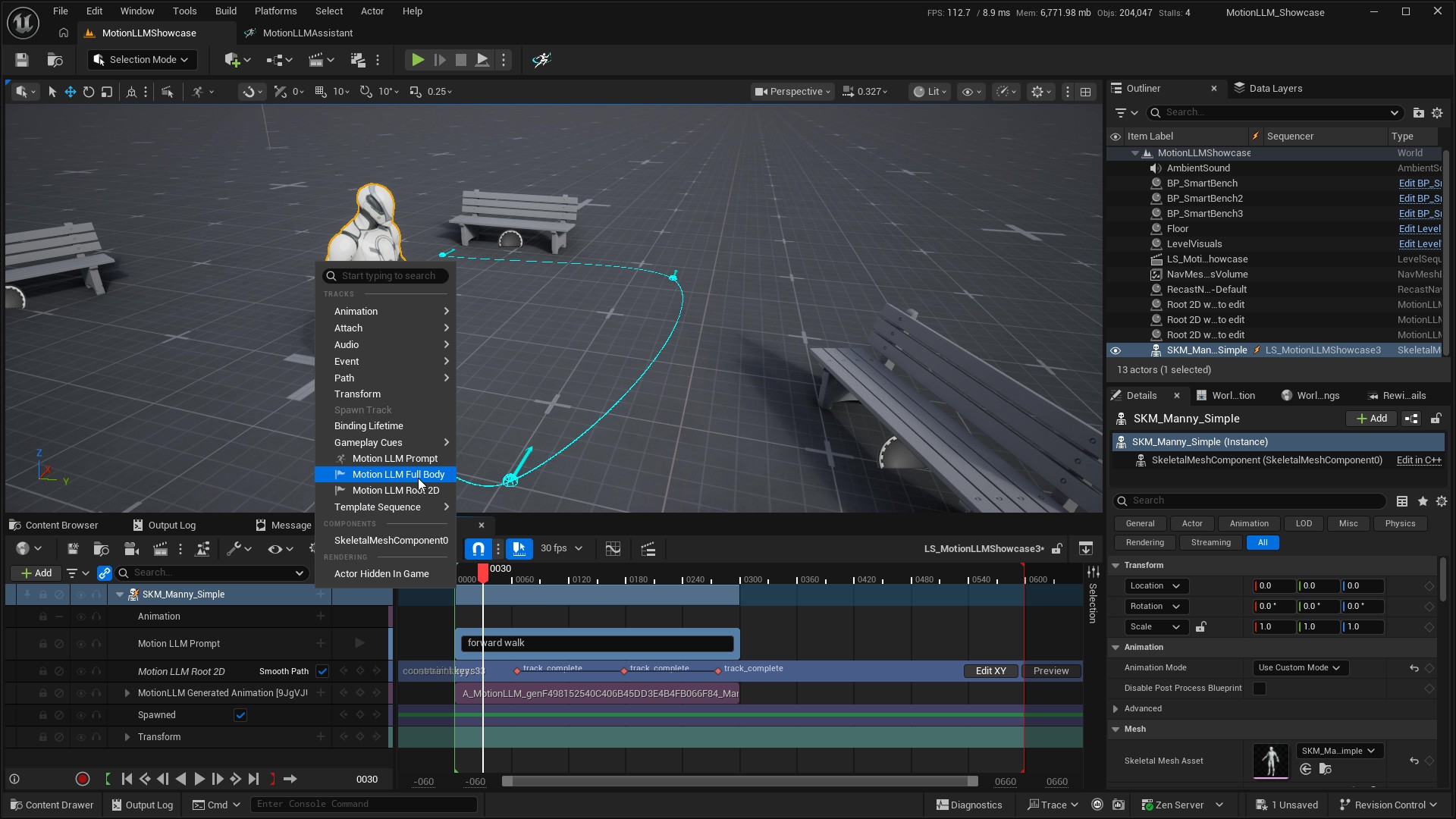
- Add Motion LLM Full Body on the character binding.
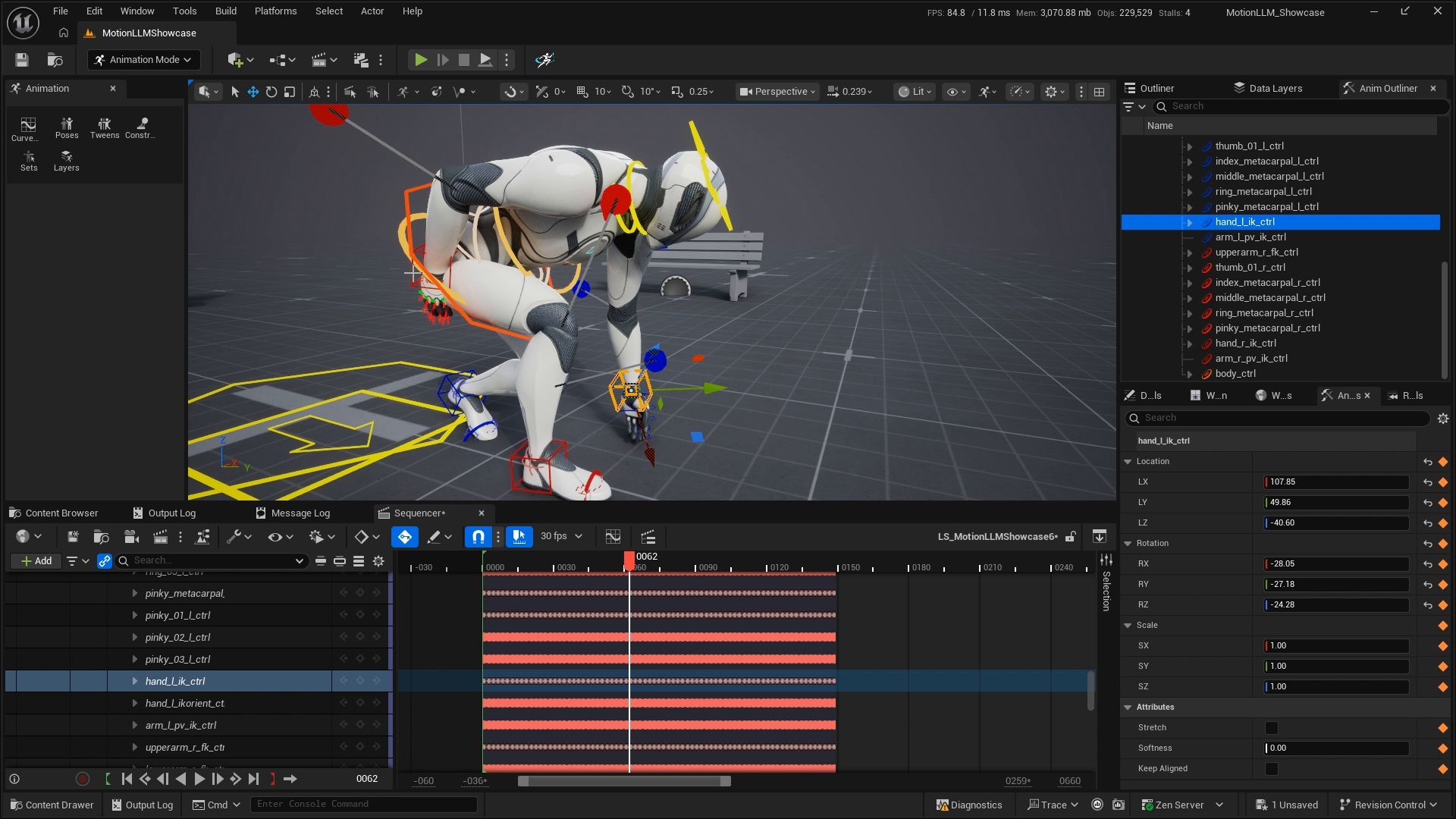
- Move to a frame inside the prompt range. Activate the intended Control Rig, edit its controls and key the pose using Sequencer.
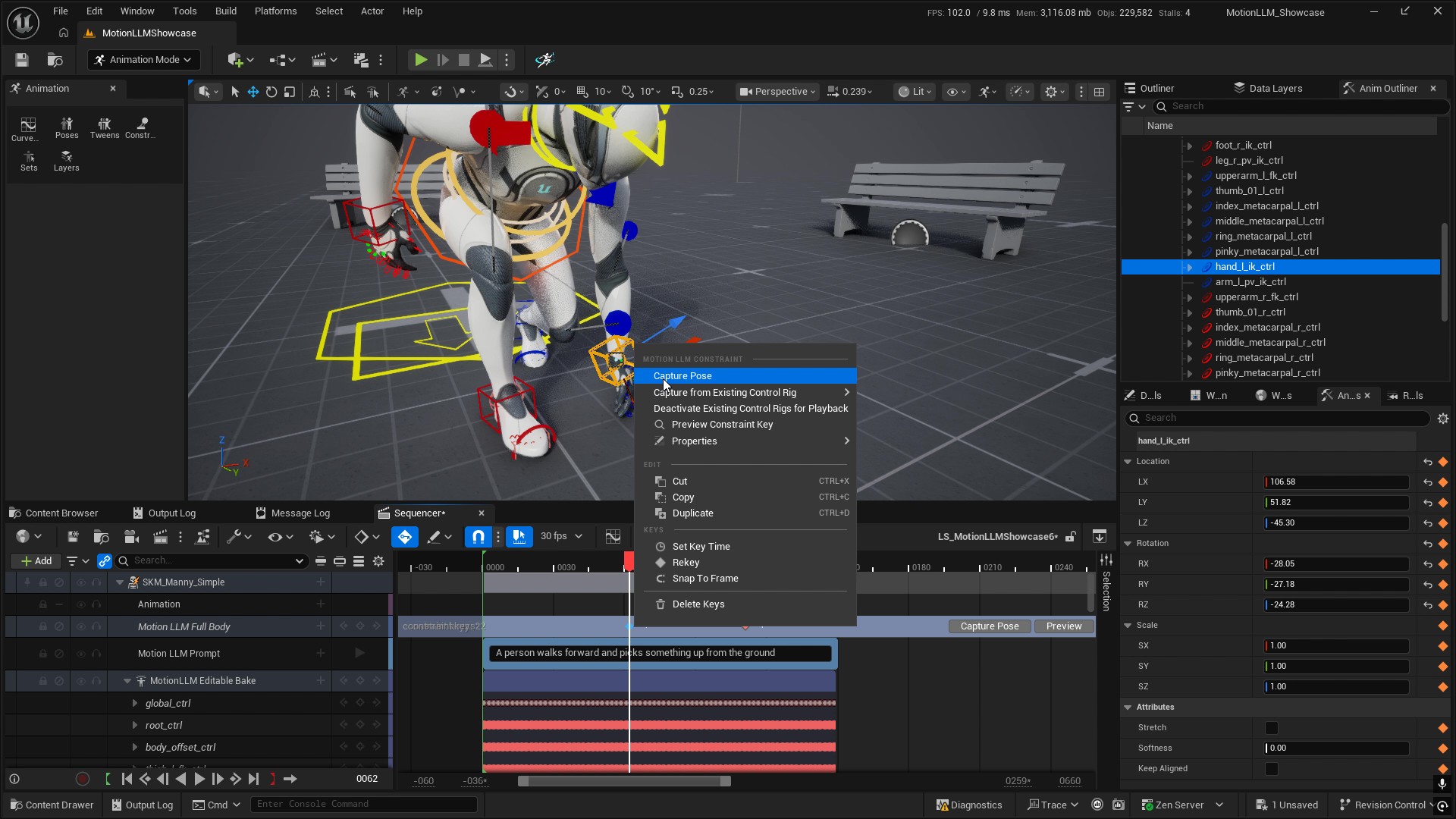
- Use Capture Pose at the selected Full Body key or playhead. When more than one rig is active, choose the source explicitly with Capture from Existing Control Rig.
- Use Preview or Preview Constraint Key to inspect the captured constraint. Review the key status before continuing.
- Choose Deactivate Existing Control Rigs for Playback, or deactivate the authoring rig yourself, before generating again or reviewing animation playback.
- Save the sequence and regenerate the Prompt track.
A capture is a snapshot#
Capturing preserves the rig and its animation keys. Later rig edits do not automatically change a previously captured constraint; run Capture Pose again to update it. Disabled tracks and inactive sections cannot be capture sources. A missing or ambiguous source fails without replacing an existing captured key.
The configured Root Motion Control supplies the semantic horizontal root trajectory for the capture. Its default name is root_ctrl. Use the exact control name for your rig.
When to recapture#
Recapture after changing the source pose or when validation reports stale retarget or skeleton data. Current Full Body captures use snapshot schema 5. Older snapshots are rejected instead of silently converted. Keep the forward and reverse retargeters paired and review the resulting body pose, root placement, hands and feet after generation.
Full Body and Root 2D can guide the same generation, but their constraints must agree. Preview the pose and trajectory together before submitting.