
MOTIONLLM ASSISTANT / 08
Characters and IK retargeting
Configure the source and target skeleton pair, use different characters and set per-track asset overrides.
How motion reaches your character#
The supported model is Kimodo-SOMA-RP-v1.1. The plugin imports its canonical NPZ as a native source AnimSequence, retargets it, then places the target AnimSequence in Sequencer. The model and source motion contract are fixed rather than selectable generation presets.
Start with the supplied pair#
The default source is the supplied Kimodo SKM_skin_standard mesh; the default target is Manny. The forward retargeter converts Kimodo to the target. Full Body capture additionally needs the reverse retargeter, which must resolve exactly the same pair in the opposite direction.
The forward retargeter’s source and target preview meshes determine the effective Skeleton pair. The plugin can also use the preview mesh from the corresponding IK Rig. The bound character mesh may differ visually, but must use the same target Skeleton.
Set up another target Skeleton#
- Prepare the target character’s IK Rig and a forward IK Retargeter from the supplied Kimodo source to that target. Set valid preview meshes and configure the retarget chains and pose for your character.
- If you need Full Body capture, prepare the reverse retargeter with exactly the opposite mesh pair.
- Select the forward retargeter in plugin settings, or enable the Prompt track’s forward IK Override. Select the matching reverse asset when needed.
- Bind a skeletal character using the selected target Skeleton. For editable bake, select a compatible Control Rig that supports Backwards Solve.
- Generate a short test and inspect proportions, facing, contacts and root movement before building a longer sequence.
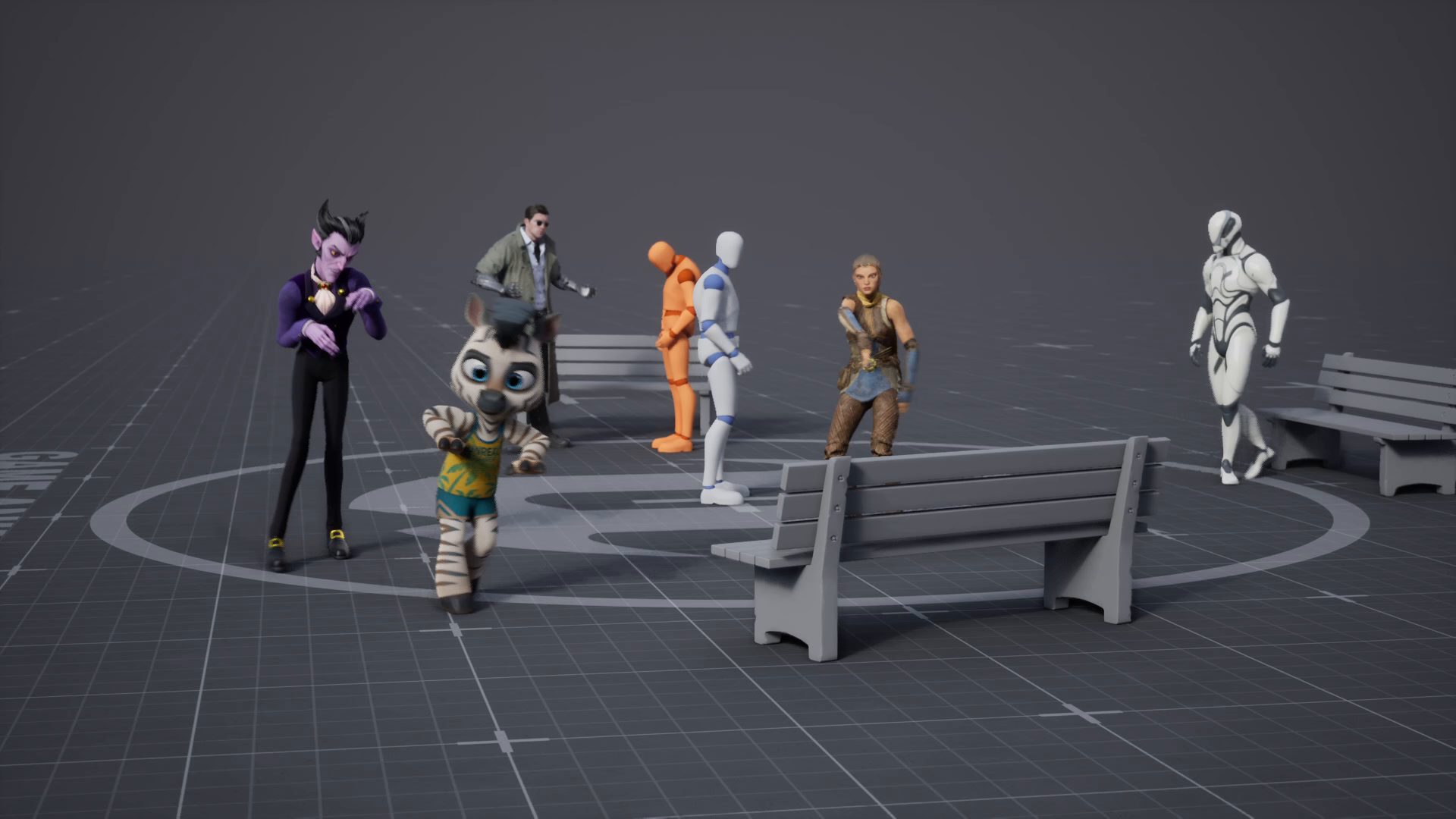
Use per-track overrides#
Prompt tracks can override the forward IK Retargeter, reverse IK Retargeter and Control Rig independently. Disabled overrides use the current effective plugin settings. Enable an override and select its asset in the track Details panel when a particular character needs a different setup.
Changing assets can invalidate captured constraints. Recapture affected Full Body keys. The backend, downloads directory and asset-persistence policy remain shared settings.