
MOTIONLLM ASSISTANT / 05
Prompts, timing and generation blocks
Write motion prompts, arrange multiple actions and understand row generation, gaps and limits.
Write an action the character can perform#
Describe a concrete movement, pace and direction. Start with a short instruction such as A person takes two slow steps forward and stops. Refine one aspect at a time. Split a sequence of different actions into timed sections when you need control over when each action occurs.
The prompt is an instruction to a generative model. It does not guarantee exact contacts, object interaction or collision avoidance. Use constraints to provide additional direction, then review the animation.
Touching sections share a job#
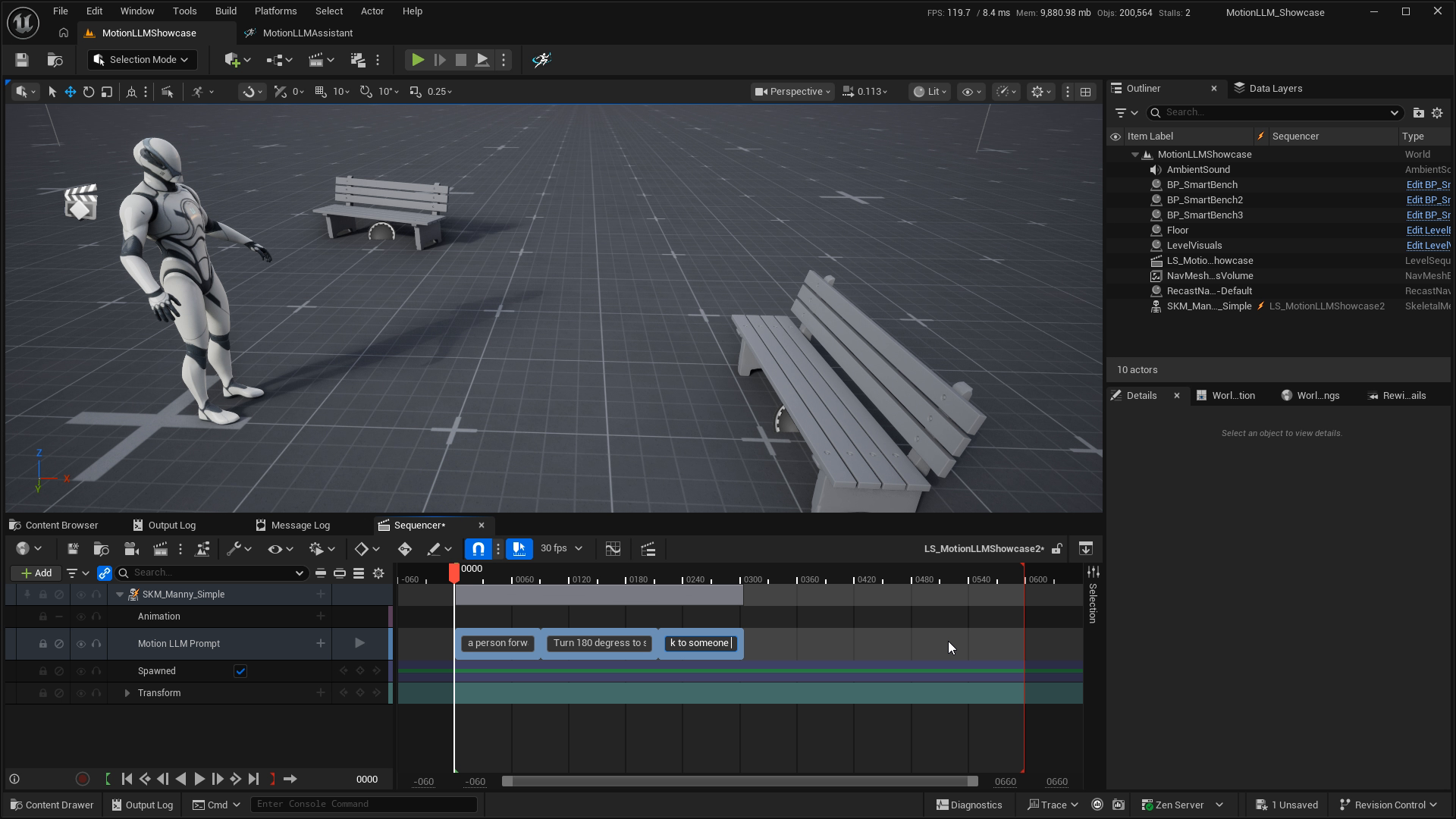
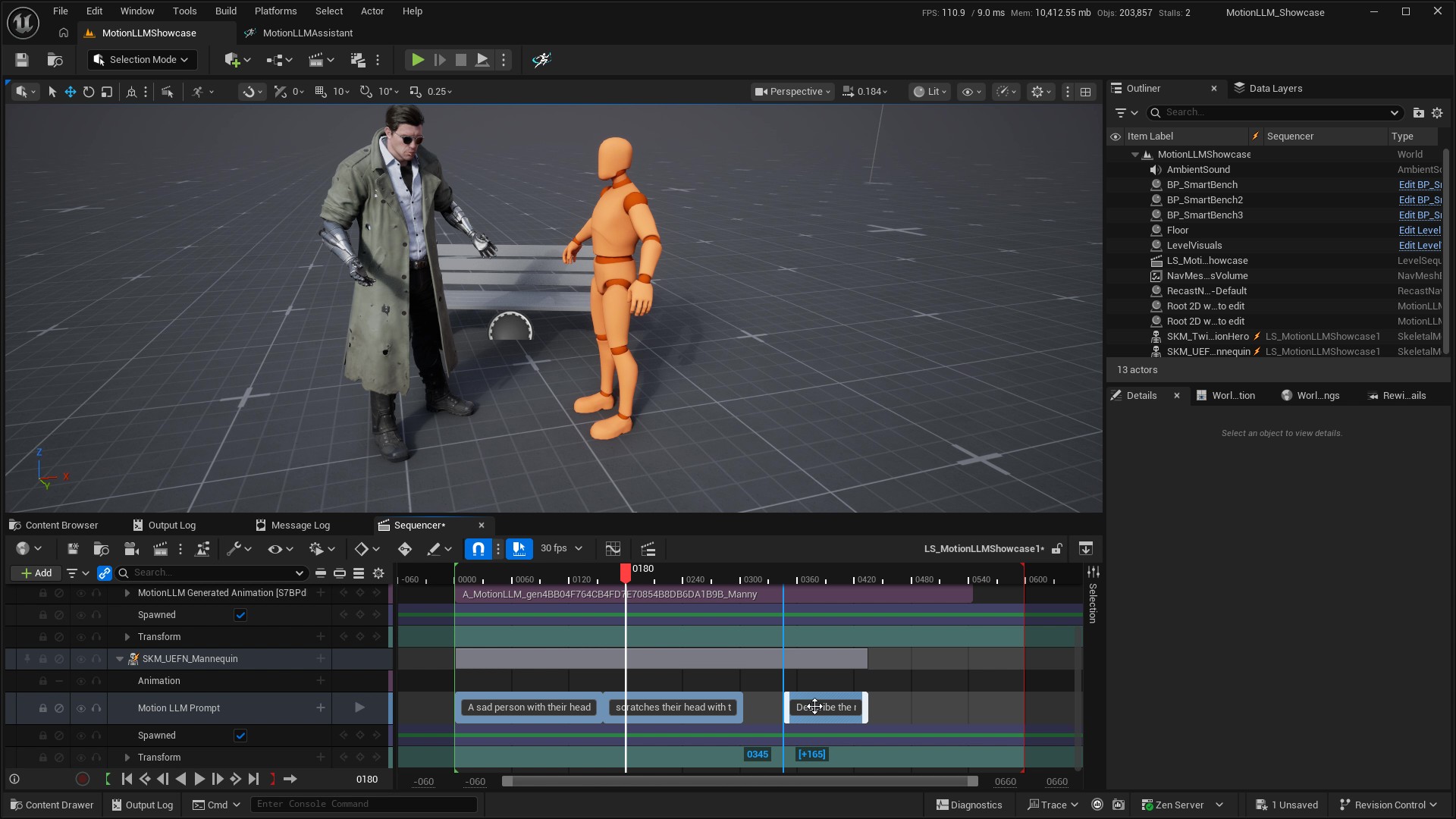
Sections whose end and start meet form one continuous generation block. A positive gap starts another independent block and remains empty in the generated output. Overlapping prompt sections within the chosen generation scope are rejected.
Each block has its own output and job identity. Continuous prompts are sent as structured text and duration pairs; punctuation is part of your text.
Choose what to generate#
| Action | Scope |
|---|---|
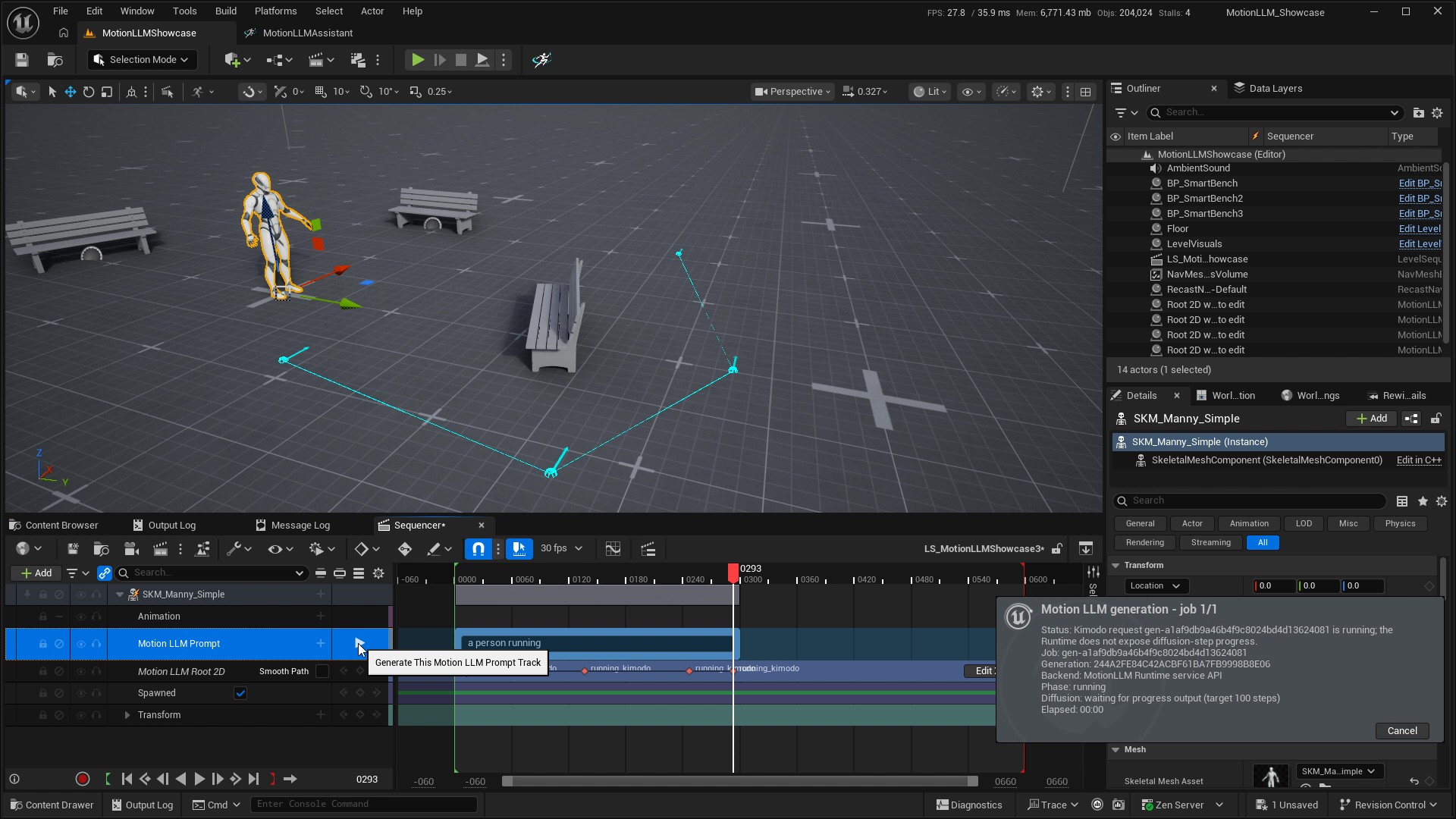
| Generate This Motion LLM Prompt Track | All prompt sections in the selected track row. Use this to generate one row without including other rows. |
| Generate All Motion LLM Prompt Sections | The root-track action gathers the rows and their sections. Check the combined timing for overlaps before using it. |
| Bake Control Rig | Bakes existing generated blocks into editable rig takes. It does not generate new motion. |
Timing and request limits#
| Item | Current limit |
|---|---|
| Prompt section in the plugin | 2–10 seconds. Duration comes from the Sequencer section range. |
| Sections in one continuous block | Up to 16, subject to the total-duration limit. |
| Cloud continuous block | Up to 30 seconds in the current cloud API. |
| Editor block validation | The editor allows up to 120 seconds; this does not override the lower cloud limit. |
| Cloud prompt text | Up to 1,000 characters per prompt. |
| Samples | One generated sample per request. |
Keep constraints inside the motion range#
Add Root 2D and Full Body tracks to the same character binding. Capture their keys inside the intended prompt block, before its exclusive end boundary. Empty, stale or conflicting keys prevent generation. The row action collects the constraints relevant to that row’s blocks; the aggregate action can report captured keys outside every block.
Seed and Auto Bake are track settings. Enable Override Generate Settings for track-specific diffusion and guidance options, or IK Override options for a different character setup. See Settings reference.